¶ Tickets
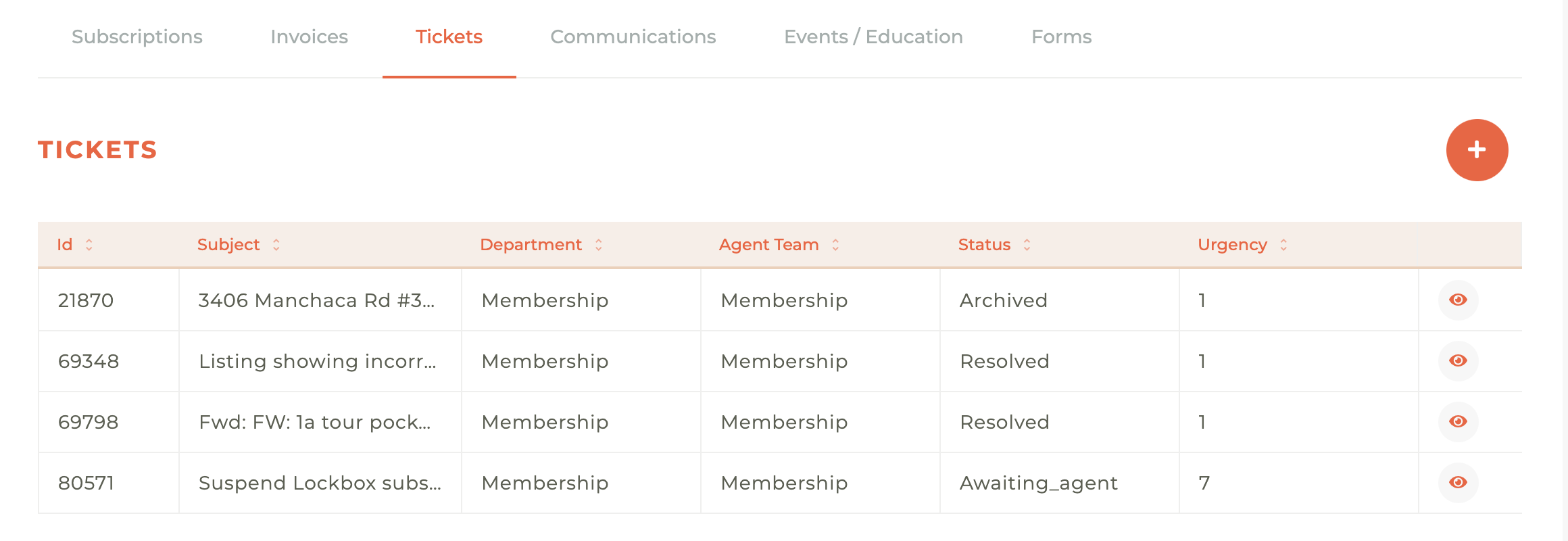
If your association has a help desk ticketing system integration enabled, you will see the Tickets tab for your members. This is designed to help facilitate improved communication.
The tickets tab will display all tickets associated with a member and link you to the specific help desk ticket using the Eye - - icon. If you hover your cursor over this icon it will say "Open in (your help desk software name)."
You may organize the tickets by ID, Subject, Department, Atent Team, Status or Urgency by clicking on the title at the top of any column.
¶ Creating A New Ticket
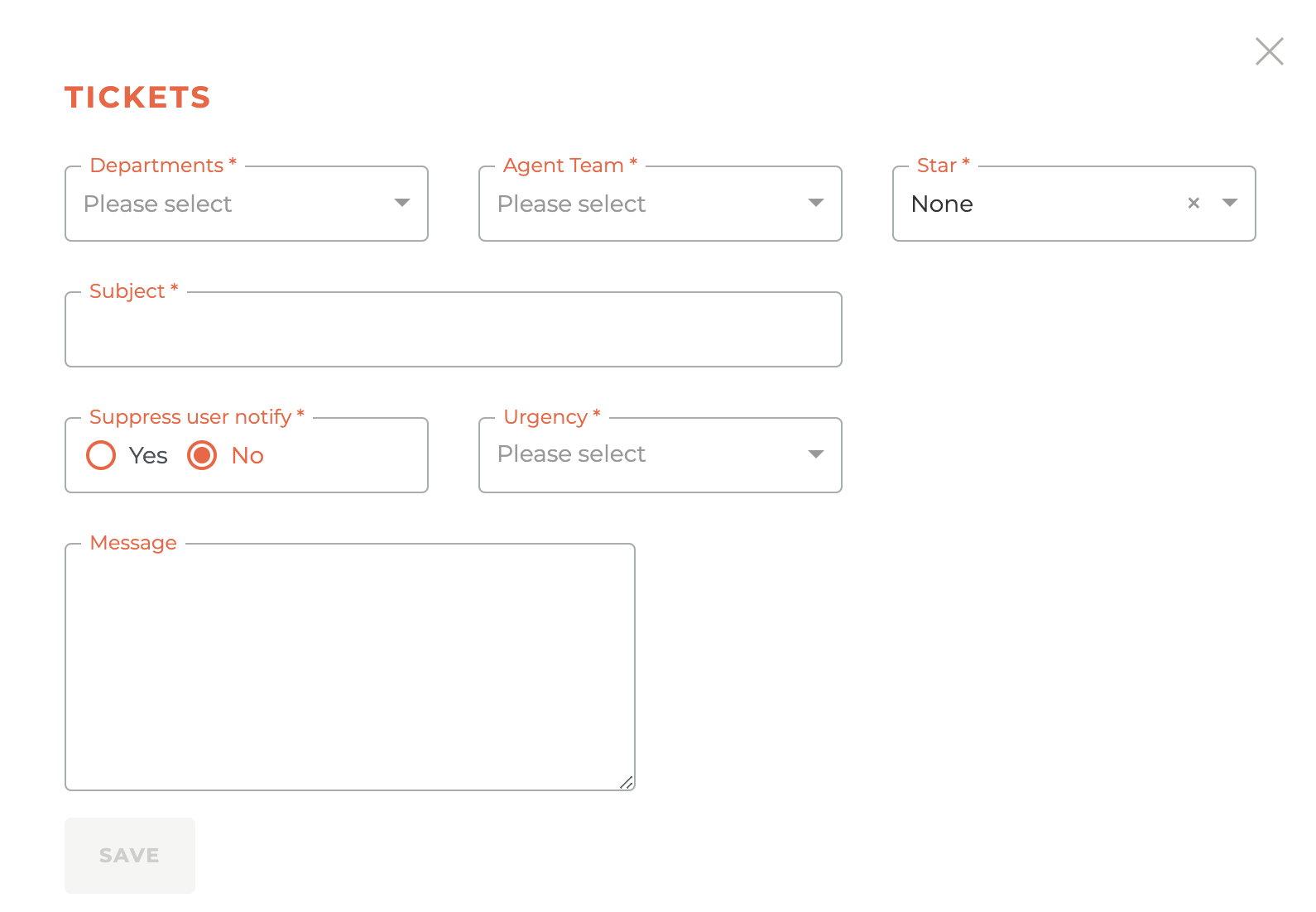
If you would like to initiate a help desk ticket from your Tangilla dashboard, click on the Plus - - icon. This will cause the Tickets window to slid our from the right side of the dashboard. Tickets created in the Tangilla dashboard will sync to your ticketing system as well.