¶ Content Blocks
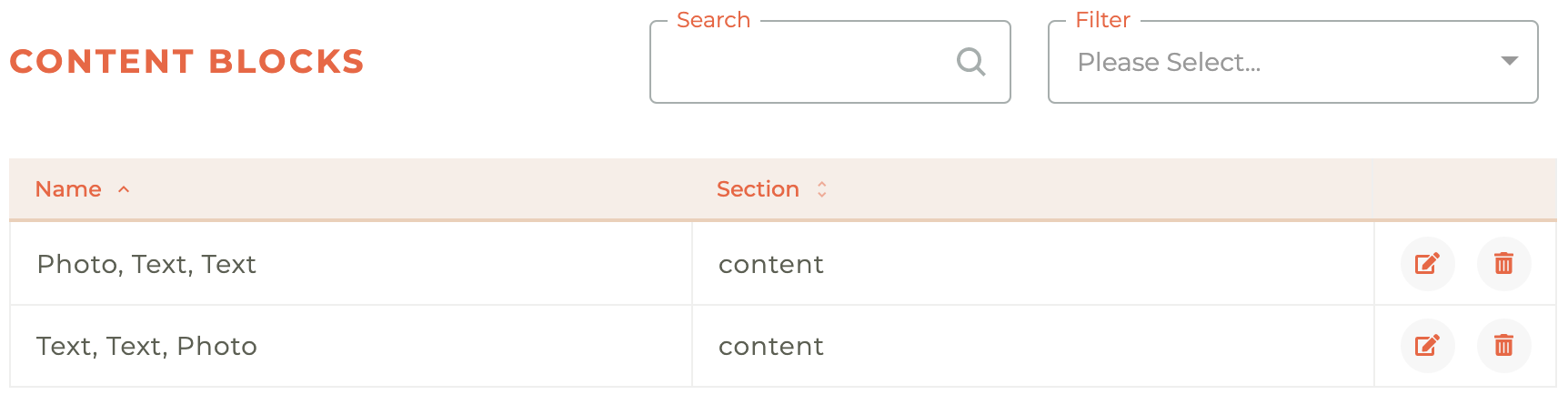
Content Blocks that you wish to use over and over can be saved from inside the email designer. Their name and section they are organized into can be edited from this content blocks panel.
Creating A Premade Content Block
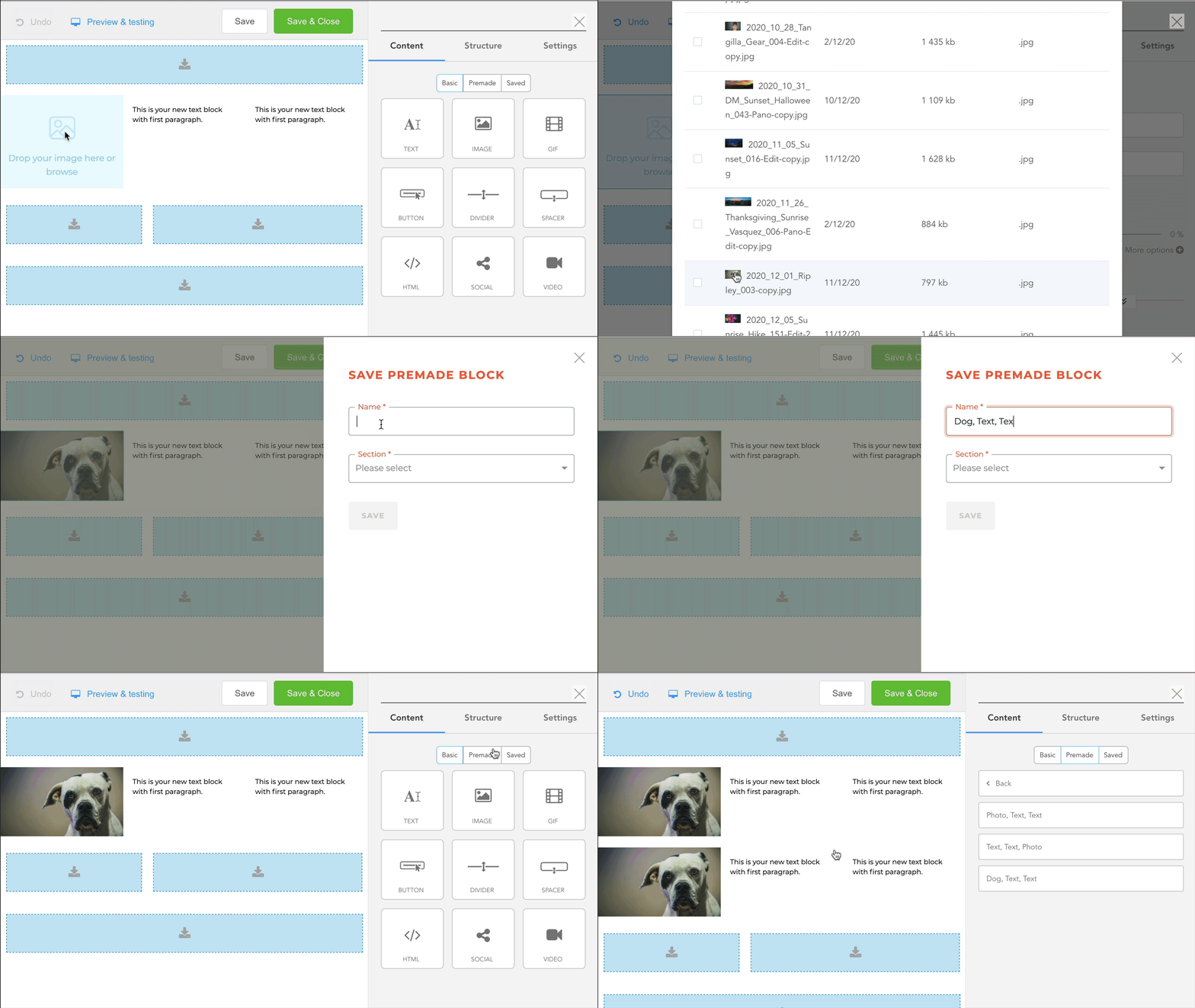
The content blocks that appear here have been saved inside the email designer. They are then located for use inside the email designer under the "Premade" content panel. You can see how that is done below.
¶ Edit Premade Block
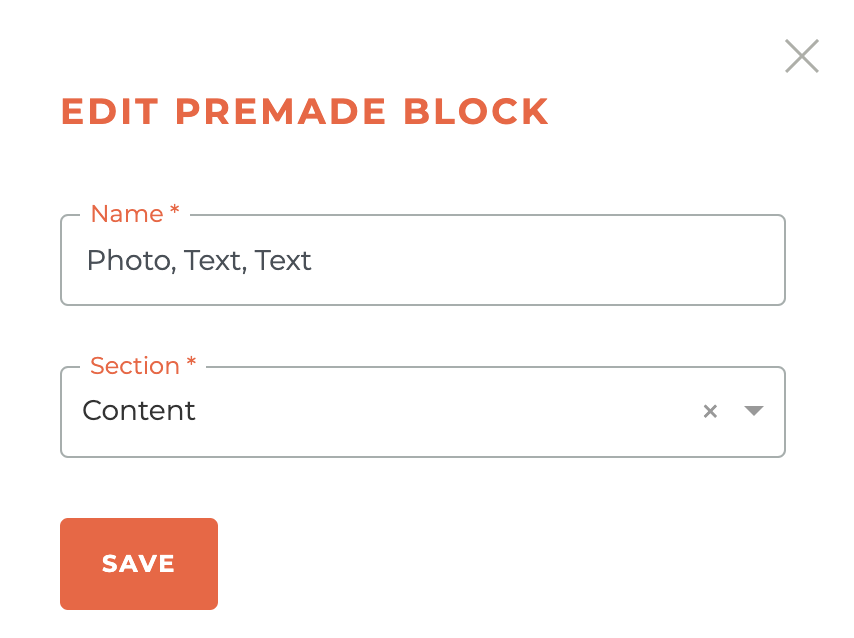
The design inside a premade content block can't be edited here or anywhere else, only the name and section it is located inside can be edited.
¶ Delete Premade Block
If you have saved a new version of a premade block, or simply want to delete a block that is no longer to be used, you can do that here. Clicking the - - icon will cause a warning box to appear.
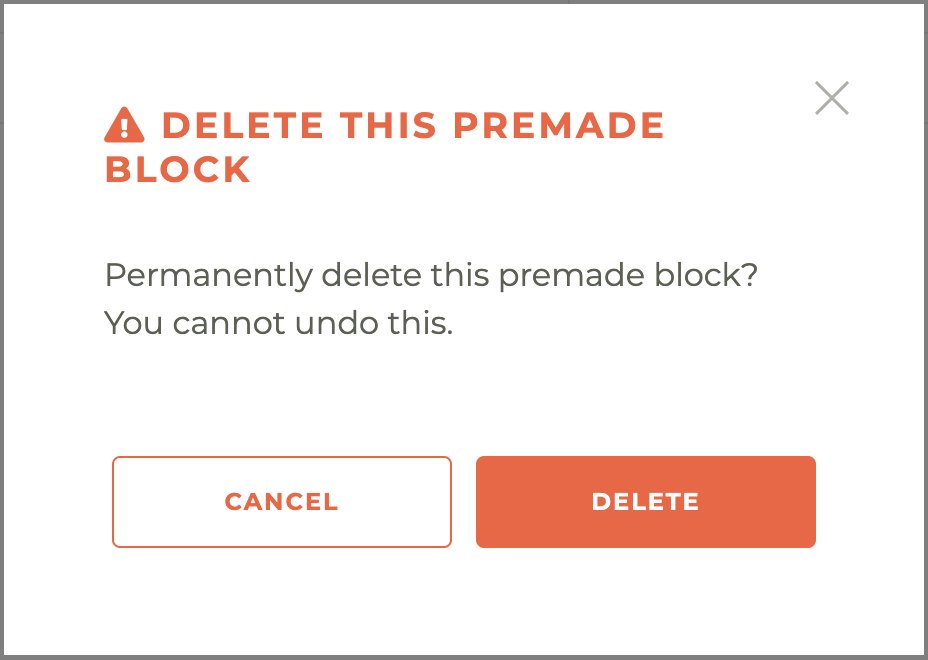
Please note: once you have deleted a premade block, this can't be undone, not even by Tangilla staff.